
What is Motion best for?
Motion is best for professionals who feel the main productivity problem is scheduling and prioritization, not lack of writing or brainstorming tools.
Best for AI scheduling, task prioritization, and daily execution planning
Motion is an AI scheduling and planning tool built to help busy professionals turn tasks, meetings, and deadlines into a more realistic day-by-day execution plan. It is especially useful when the pain point is not generating content, but reducing scheduling chaos and making a crowded calendar feel more manageable.
Best for
Ideal for
Motion is an AI scheduling and planning tool built to help busy professionals turn tasks, meetings, and deadlines into a more realistic day-by-day execution plan. It is especially useful when the pain point is not generating content, but reducing scheduling chaos and making a crowded calendar feel more manageable.
| Icon | Item | Details |
|---|---|---|
| 🚀 | Tool name | Motion |
| 🧭 | Category | Productivity |
| 💰 | Pricing | Paid |
| 👥 | Audience | Founders, Operators, Busy managers |
| 🎯 | Positioning | Best for AI scheduling, task prioritization, and daily execution planning |
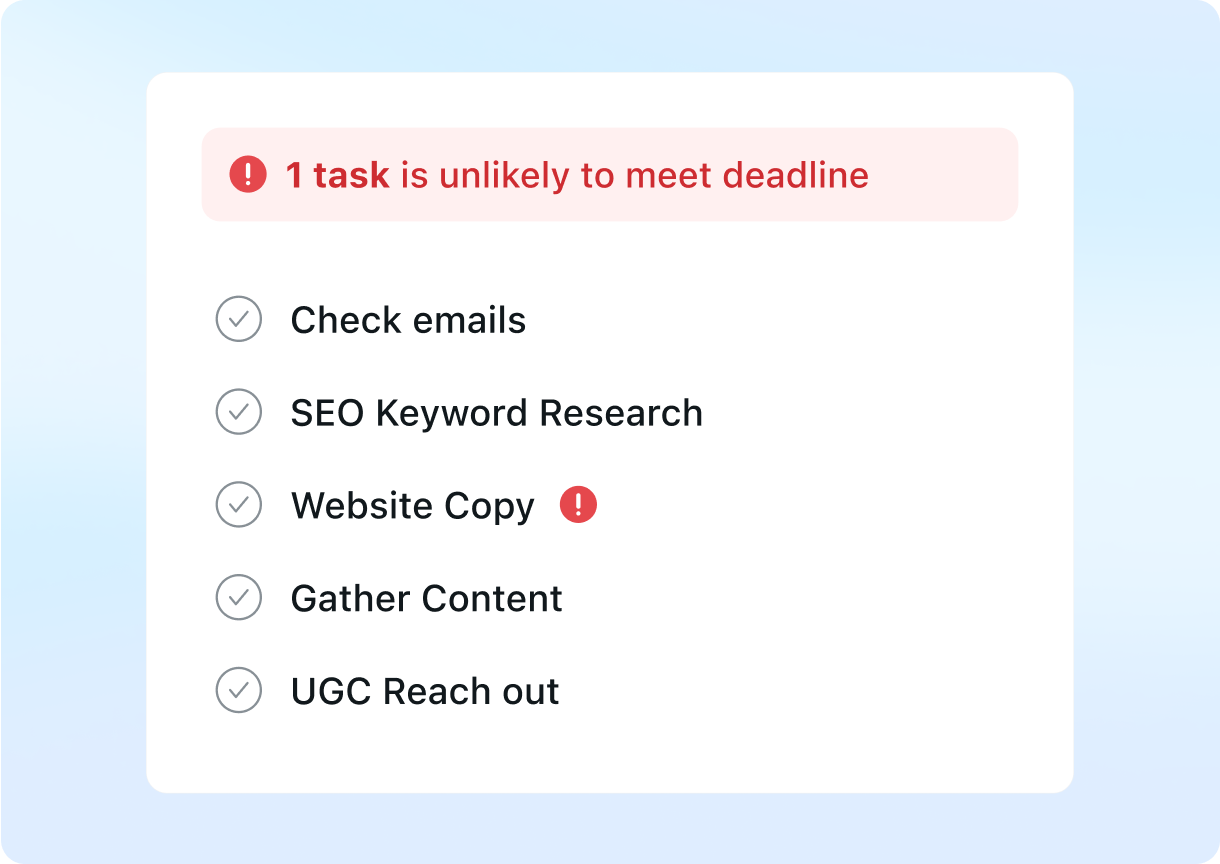
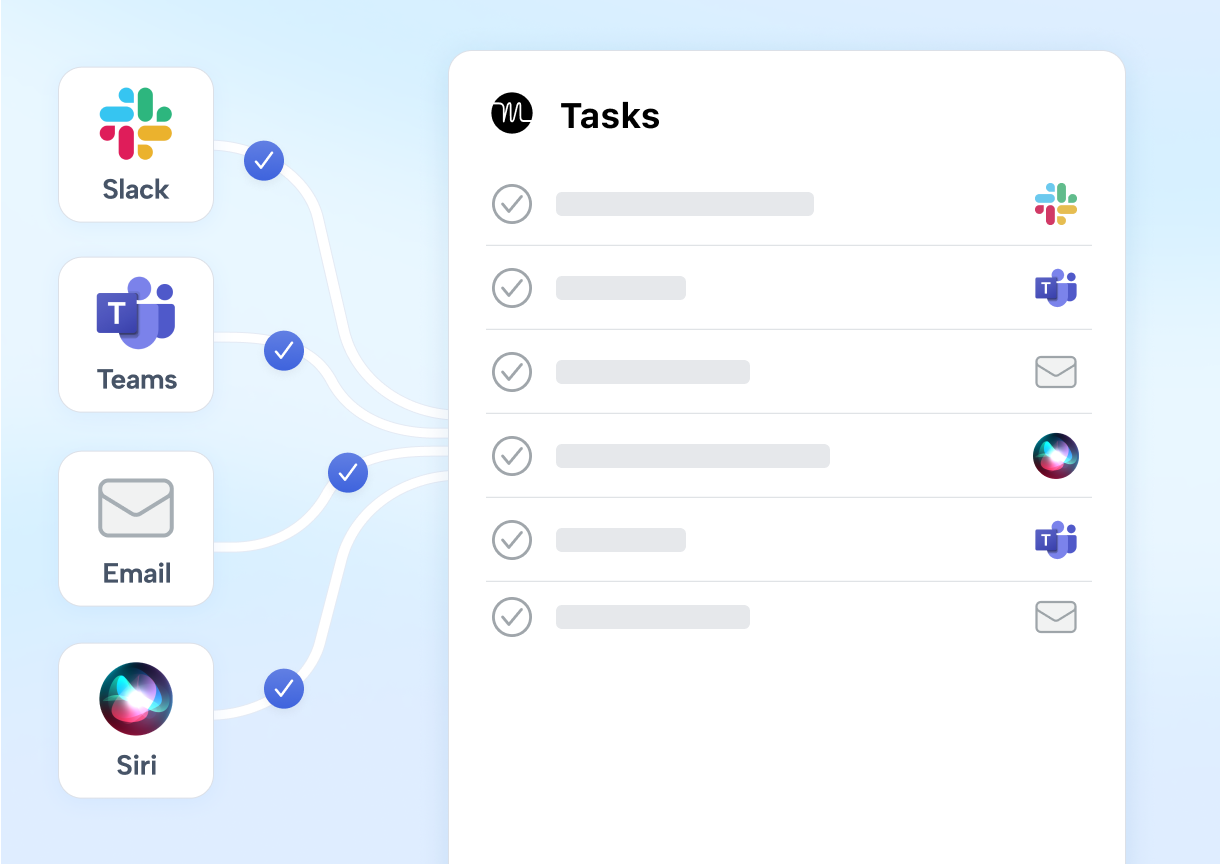
Combines task prioritization and scheduling into a workflow that helps users see a more realistic execution plan
Useful for reorganizing calendars dynamically as new work, deadlines, and meetings appear
Helps busy professionals protect focus time and reduce manual planning overhead
| Dimension | Motion | ClickUp AI | Notion AI |
|---|---|---|---|
| Workflow support | ✅ Helps reduce friction across planning, documentation, or execution work | ✅ Useful in adjacent knowledge workflows | ⚪ Often stronger for a different core job |
| Output style | ✅ Good for structured work output and practical team tasks | ✅ Viable for related collaboration needs | ⚪ Typically more specialized or narrower in scope |
| Adoption effort | ✅ Reasonably quick to adopt for day-to-day team use | ✅ Accessible with some process shaping | ✅ Often easier when the use case is more focused |
Best for AI assistance inside active project and operations workflows
View detailsBest for AI assistance inside shared docs, notes, and team knowledge
View detailsBest for meeting transcription, summaries, and searchable call history
View detailsFrequently Asked Questions
Motion is best for professionals who feel the main productivity problem is scheduling and prioritization, not lack of writing or brainstorming tools.
Motion is positioned as a paid tool, so it makes the most sense when time savings, focus protection, and reduced planning overhead justify the subscription cost.
It makes more sense when the workflow problem is calendar chaos and task prioritization specifically, rather than document drafting or knowledge assistance in the abstract.
Visit the official website to review pricing, test the workflow, and compare it against your shortlist.