
What is Uizard best for?
Uizard is best for people who need an early visual version of a product idea quickly, especially when they are not working from a full design team or deep design workflow.
Best for fast wireframes, mockups, and early product visualization
Uizard is an AI-assisted interface design tool for fast wireframes, mockups, and early product concepts. It works especially well when non-designers, founders, or PMs need to turn a rough idea into something visual enough to discuss, test, or share without waiting on a full design cycle.
Best for
Ideal for
Uizard is an AI-assisted interface design tool for fast wireframes, mockups, and early product concepts. It works especially well when non-designers, founders, or PMs need to turn a rough idea into something visual enough to discuss, test, or share without waiting on a full design cycle.
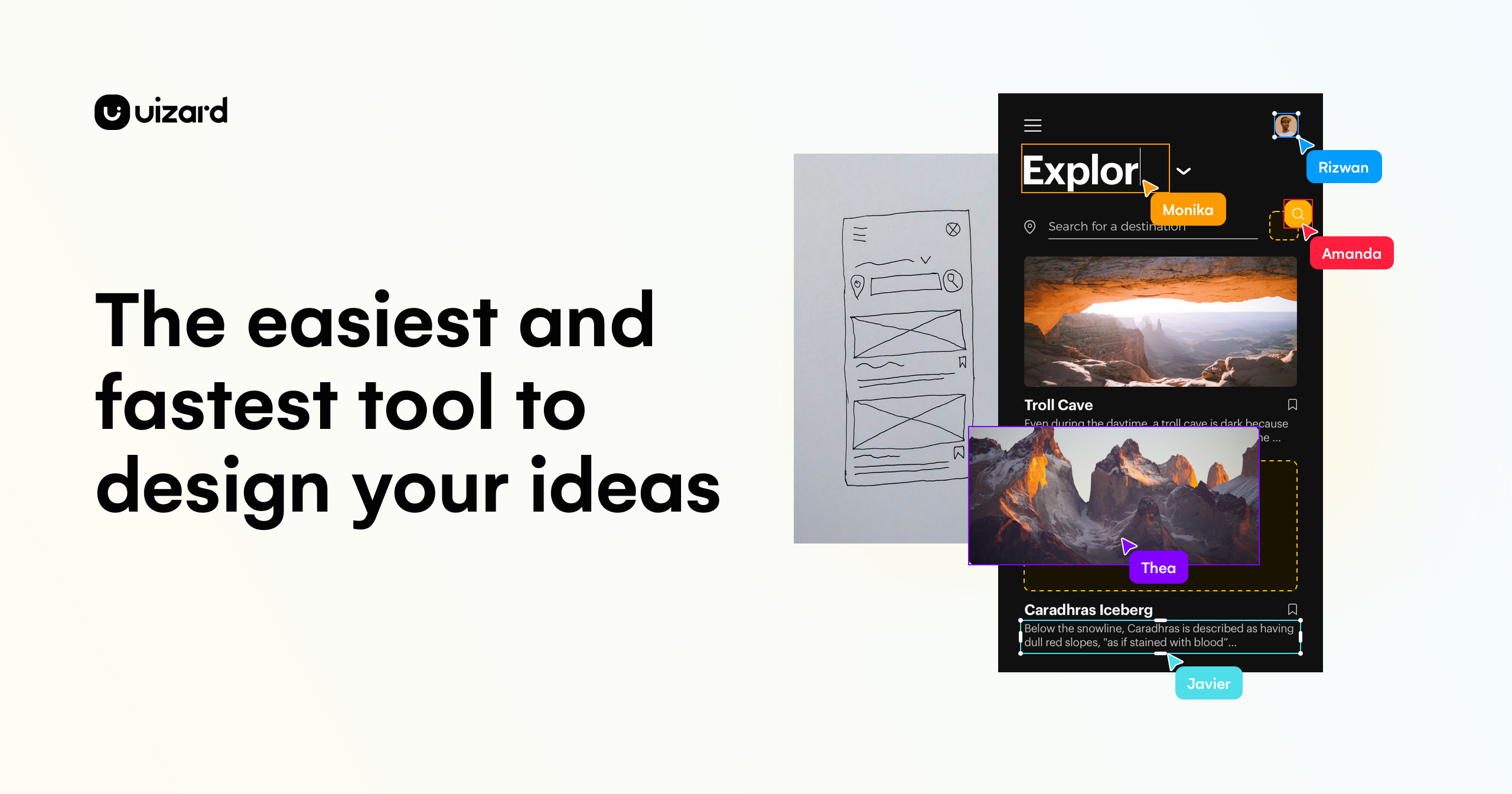
| Icon | Item | Details |
|---|---|---|
| 🚀 | Tool name | Uizard |
| 🧭 | Category | Interface Design |
| 💰 | Pricing | Freemium |
| 👥 | Audience | Founders, Product managers, Non-designers |
| 🎯 | Positioning | Best for fast wireframes, mockups, and early product visualization |
Generates wireframes and UI mockups from rough product ideas
Helps non-designers create visual concepts without starting from a blank canvas
Supports quick prototyping for stakeholder reviews and early product conversations
| Dimension | Uizard | Figma AI | Canva AI |
|---|---|---|---|
| Visual output | ✅ Designed to help produce visual or interface-oriented results | ✅ Competitive in adjacent creative workflows | ⚪ Better when the task is less design-centric |
| Workflow fit | ✅ Useful inside design, creative, or prototype-building loops | ✅ Viable for related production work | ⚪ Often chosen for broader support rather than core design execution |
| Speed to first draft | ✅ Fast for concepting and early visual exploration | ✅ Good for adjacent experimentation | ✅ Usable, but often less tailored to design-specific output |
Best for AI-assisted UI exploration inside collaborative product design workflows
View detailsBest for fast design production, branded content, and non-designer workflows
View detailsBest for versatile AI writing, research, and everyday knowledge work
View detailsFrequently Asked Questions
Uizard is best for people who need an early visual version of a product idea quickly, especially when they are not working from a full design team or deep design workflow.
Uizard uses a freemium model, so users can usually explore the basics first, while heavier team use or broader feature access may require a paid plan.
No. Uizard is most valuable for early exploration and communication. Product designers are still needed for stronger UX thinking, systems work, and production-level refinement.
Visit the official website to review pricing, test the workflow, and compare it against your shortlist.